Unlock the full potential of your project data with OnePlan’s powerful reporting capabilities. Our platform offers a robust suite of tools designed to simplify data consolidation, highlight critical insights, and empower you to make smarter, faster decisions through dynamic visualizations.
Whether you’re new to OnePlan or looking to deepen your expertise, our Reporting Training is your gateway to mastering every aspect of reporting—from building custom dashboards to interpreting trends that drive strategic action.
Focused Learning, On Your Terms
Dive into bite-sized lessons focused on individual OnePlan components—perfect for quick refreshers or mastering specific features. These self-paced courses are ideal for users who already know the basics and want to sharpen their skills on demand.
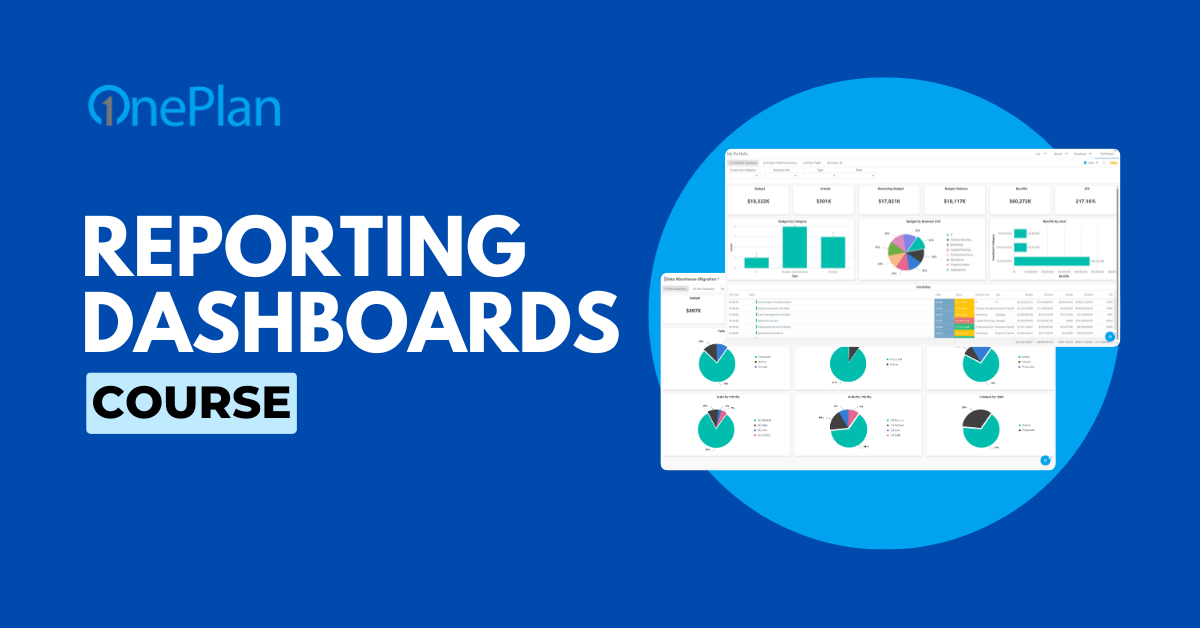

Reporting Dashboards Course
This course introduces OnePlan Reporting Dashboards for plan managers and report consumers. Learn how they differ from Power BI, explore built-in features, and discover how to configure and use your own dashboards effectively.
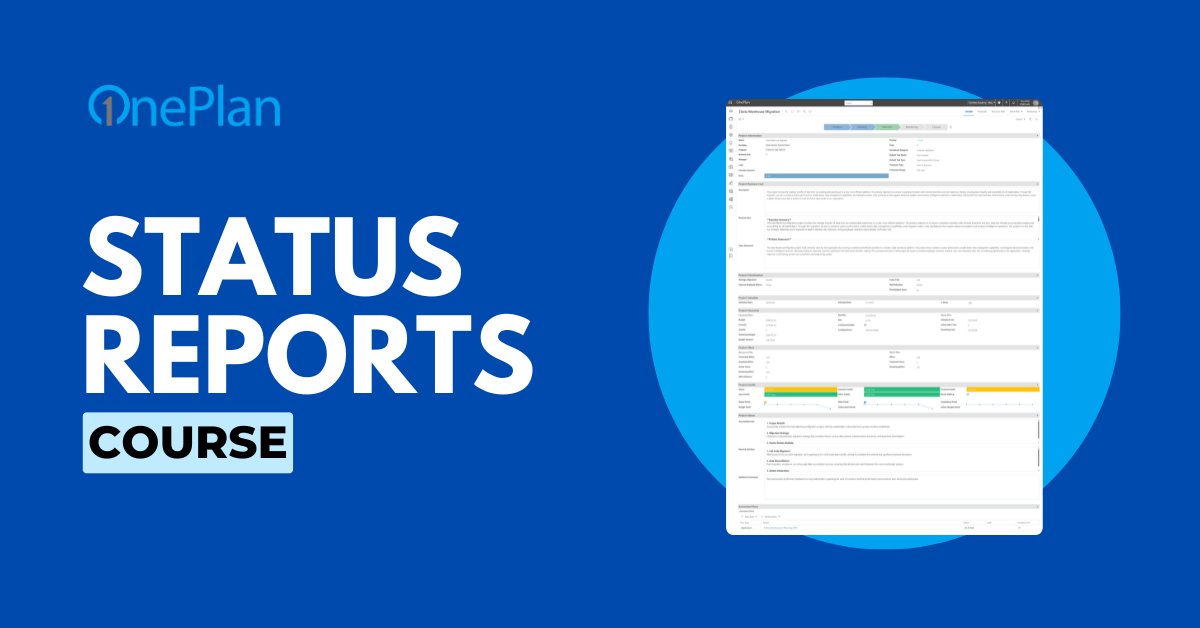
Status Reports Course
This course is for project managers and planners using OnePlan to create and manage status reports. Learn to generate, update, submit, recall, and export reports, and integrate status reporting into your workflow for clear project tracking.

Power BI Reporting Basics Course
Unlock the power of data with this beginner-friendly course designed to help you build insightful reports and dashboards using Power BI within the OnePlan platform. Learn how to connect your data, create visualizations, and share interactive insig…
Unlock Expert Insights with On-Demand Webinars
Discover a growing library of recorded webinars designed to help you get the most out of OnePlan. Whether you’re just starting out or looking to refine your skills, these sessions deliver practical tips, proven best practices, and expert guidance you can apply right away.