
Empowering Success
OnePlan, one step at a time
Welcome to OnePlan Academy!
Learn how to use OnePlan software backed by Project Portfolio Management (PPM) best practices. As a PMI Authorized Training Partner, our expert-led, online courses are flexible, practical, and built for all skill levels.
✅ 100% Online
✅ Accessible Anytime
✅ Industry-Proven Training
Find Your Perfect Course
No matter how you prefer to learn, we have you covered.
What’s New
Stay updated with our freshest content. Check out the latest courses added to the OnePlan Academy library.

OnePlan Onboarding Pathway
Whether you’re exploring OnePlan out of curiosity, following a colleague’s recommendation, or preparing for your department’s next implementation phase—this course is built with you in mind. OnePlan is a powerful, intuitive project management tool…
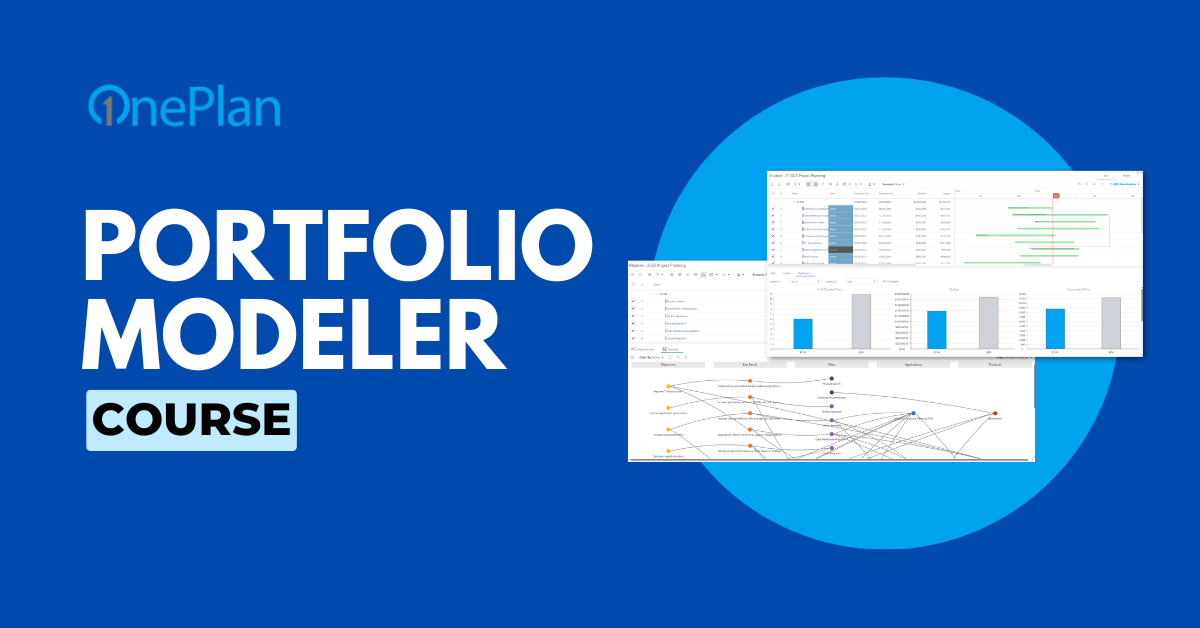
Portfolio Modeling with OnePlan Course
Learn how to plan smarter and optimize strategic decisions by creating, analyzing, and collaborating on portfolio models and scenarios using OnePlan Portfolio Modeler.
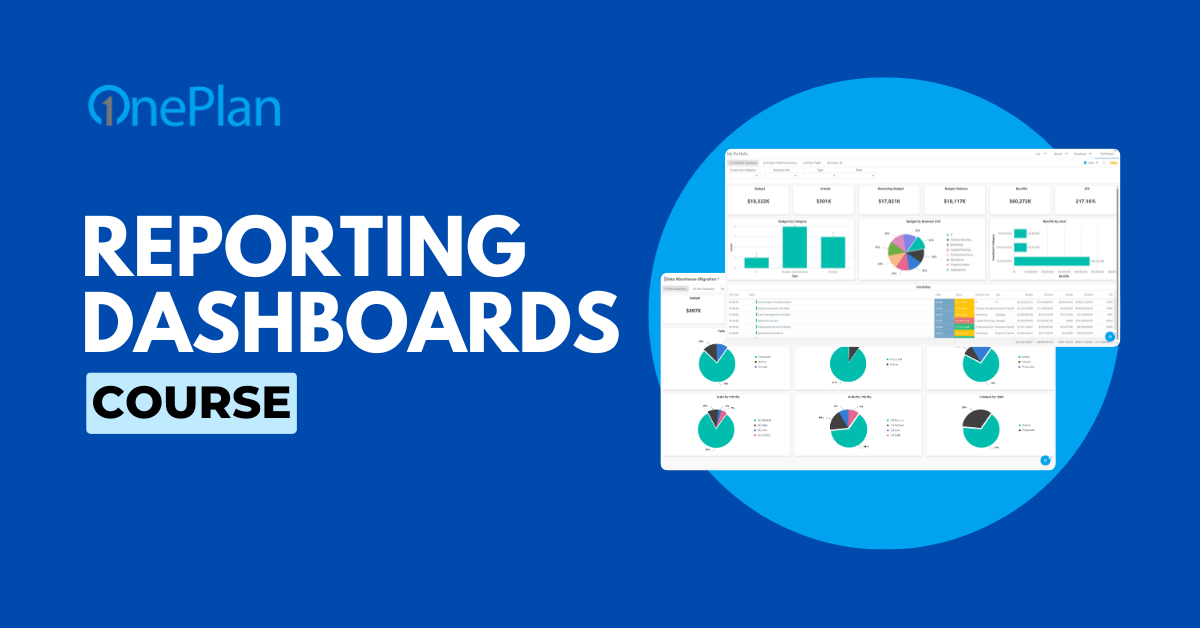
Reporting Dashboards Course
This course introduces OnePlan Reporting Dashboards for plan managers and report consumers. Learn how they differ from Power BI, explore built-in features, and discover how to configure and use your own dashboards effectively.
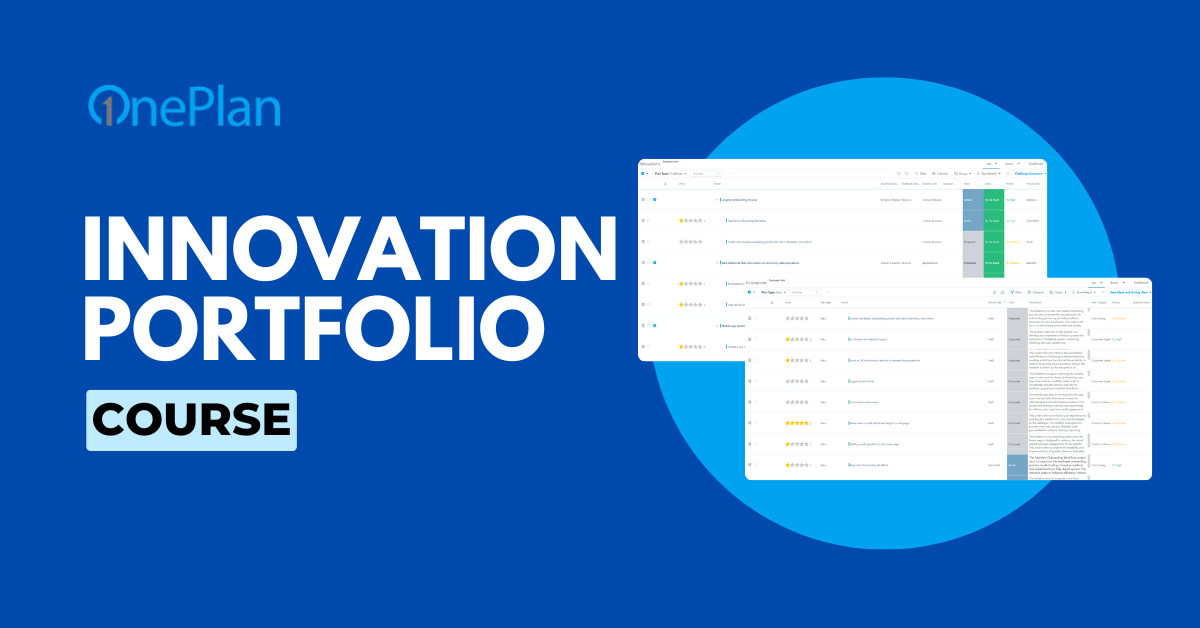
Innovation Portfolio Course
This course introduces the Innovation Portfolio—what it is, how it works, and its role in driving innovation. Whether submitting ideas or managing projects, you’ll gain tools and knowledge to contribute effectively to innovation efforts.
FAQS
How do I get access to OnePlan Academy?
OnePlan Academy is part of our Premiere Success service offering. Click here to learn more about Premiere Success, or reach out to us at [email protected].
How is your content delivered?
Our e-learning is entirely online. We have no face-to-face class meetings, and you will complete your work asynchronously – which simply means that you will be working on it at different times than your colleagues. You can log into the class to do your work at whatever time is convenient for you.
The typical training structure will consist of courses, which include lessons that may contain:
- Short Video/PowerPoint Lectures
- Readings
We do offer instructor-led training, which you can learn more about here.
Are there any technology requirements to use OnePlan Academy?
We recommend using Windows 10 or above, and the latest version of Microsoft Edge, Google Chrome, or Mozilla Firefox.
Who do I contact if I have technical issues?
If you have problems with your computer, technology, IT-related questions, support, including OnePlan and OnePlan Academy, please reach out to us at [email protected].